Discovering that good information architecture can tell a story
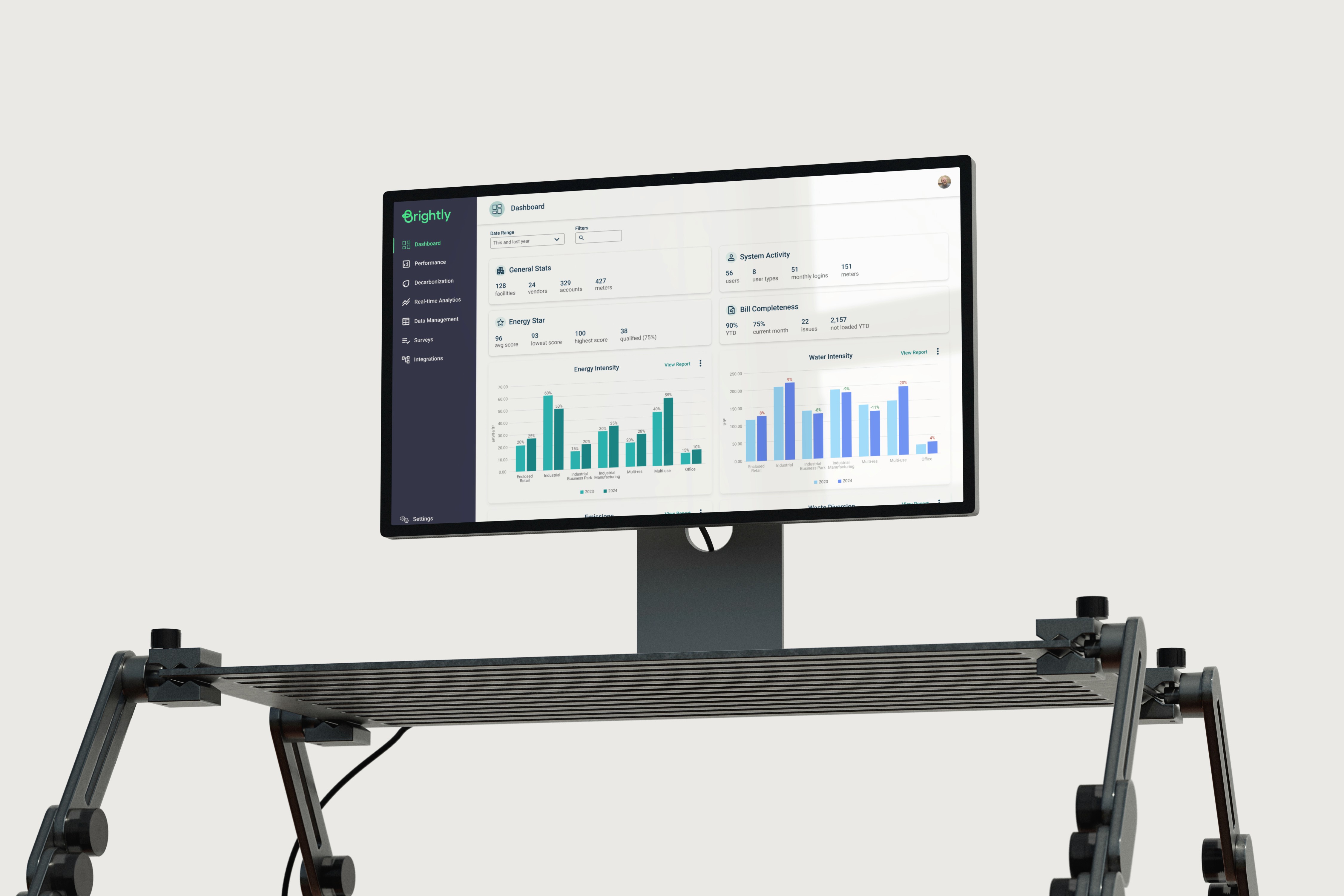
As we looked at the road map, we decided that it was time to work on our information architecture and make any needed adjustments before adding any more features to the product. We knew that an IA overhaul could address at least two of the above pain points and would set the stage for addressing the others.
Research
Interviews
Discovery began with interviewing seven internal SMEs and customer support representatives who use Stream as part of Brightly's internal services team, followed by interviews with ten external users spanning different clients and organizational roles. This is what we heard:
"If you know where to go..."
Stream is designed for a user who looks at one building at a time.
IA for Reporting in Stream is probably one of the bigger problems... It's all over the place
There are too many clicks to get where I need to go. I want things more at my fingertips.
I check the Energy Star score, but it doesn't really show me what is driving it.
I only use a certain part of Stream and wish I could move that higher up on the nav list.
I have to use pieces of different reports to then create another report that presents me with the data I need.
Stream is not very flexible. I want more filtering capabilities.
I have to create my own workflows to get the information that I want.
It is too rigid. I can't 'marry' certain information that I want.
It can be hard to move from the larger picture to a more granular level.

Card Sorting
Next, I ran a card sorting exercise with 24 stakeholders across 40 cards. However, their familiarity with Stream posed a problem. Users who know the product well might sort cards based on where things already live, not how they actually think about them. To counter this, I framed card titles around functionality rather than feature names. Instead of 'Waste Summary,' the card read 'Review a summary of waste output details.' I hoped that removing the labels would strip away muscle memory and reveal how users actually understood the product. Our outputs were a dendrogram and a similarity matrix, which displayed some clear groupings.
Results
Looking at the interviews, card sorting, and the purpose of Stream, a story began to emerge. Our software answers five key questions, and the data groupings our research uncovered provided the answers that began to form the new navigation.
Telling a Story
As we took this back to our stakeholders, we confirmed that this approach not only told a story but also aligned with the workflows of our users and personas.
Some users worked mainly on inputting data to ensure data completeness. Previously, these users would need to go to 3-4 different pages spread out between main, secondary, and tertiary navigation items in order to manage this data. Additionally, those focused most on analyzing cost and consumption data had to go to various pages to look at waste, energy, benchmarking, normalized performance...This created not only a way-finding issue, but a data comparison pain point.
What We Solved
Telling a story
Improved way-finding.
Grouping information more intuitively.
Reduction in main and secondary nav items
Elimination of tertiary and quaternary nav items