Health Insurance App

Health Insurance App

Designing a consumer-facing health insurance app

Challenge

Our team worked with Medical Mutual’s UX and DX teams to visually enhance their app and introduce new features. Our multidisciplinary team included project managers, researchers, UX and UI designers, collaborating with their VP-level stakeholders, developers, scrum masters, and DX team. I collaborated with another UX designer and researcher.

The app updates were to be released in three phases. The first release focused on improving the authentication flow, ID card access, multi-policy framework, accumulation display, profile settings, and adding a policy dashboard.

Here are some of the problems we knew needed to be solved based on previously completed research:

Multiple Policies

How to provide the best experience for users with multiple policies, ensuring easy access to relevant information.

Multiple Policies

How to provide the best experience for users with multiple policies, ensuring easy access to relevant information.

Quick Access

Enabling users to quickly access their most frequently used functions.

Quick Access

Enabling users to quickly access their most frequently used functions.

Quick Access

Enabling users to quickly access their most frequently used functions.

Priority

Determining which data is essential and the optimal way to display it.

Priority

Determining which data is essential and the optimal way to display it.

App Exiting

Crafting a seamless experience for users with a mix of native and single sign-on (SSO) features.

App Exiting

Crafting a seamless experience for users with a mix of native and single sign-on (SSO) features.

Process

Current App Audit

We kicked off with a comprehensive UX and UI audit of the existing app, mapping the current experience across every feature slated for the first release. Beyond identifying pain points, the audit helped us understand their technical capabilities, specifically, what data they could already surface and what would require additional work. That distinction was critical for scoping what was realistically achievable.
ID Card Needs
  • Save cards to their digital wallet.

  • Email cards to a healthcare provider.

  • Save cards to their device and share them via other means, such as iOS sharing options.

  • Allow primary policyholders to view and manage the ID cards of dependents.

  • Enable users to view ID cards offline and without being logged into the app.

User Stories

After completing the UX and UI audit, we shifted our focus to crafting user stories for each new feature we planned to implement. Our approach involved understanding what users wanted to accomplish and why. For instance, while current customers could view their ID cards using the app, through user stories, we identified additional functionalities that could benefit users:

Feature Map

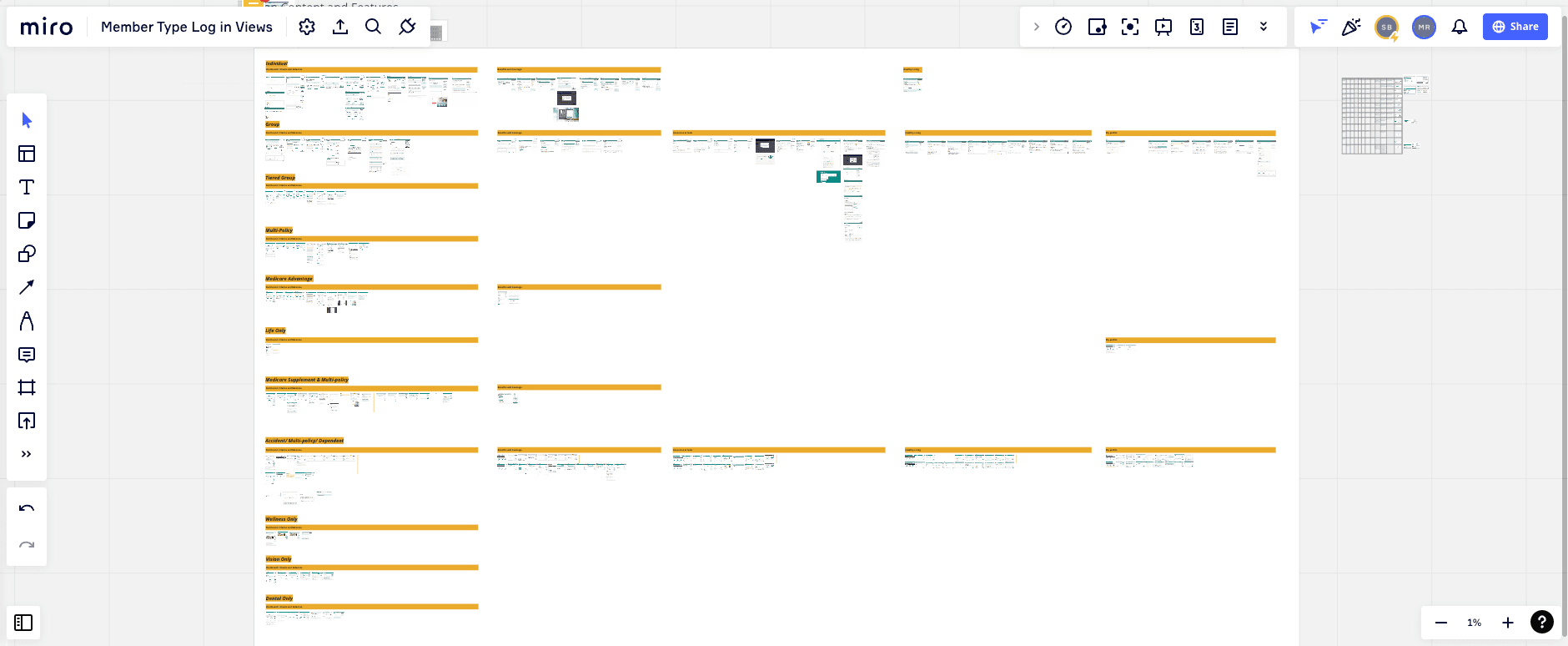
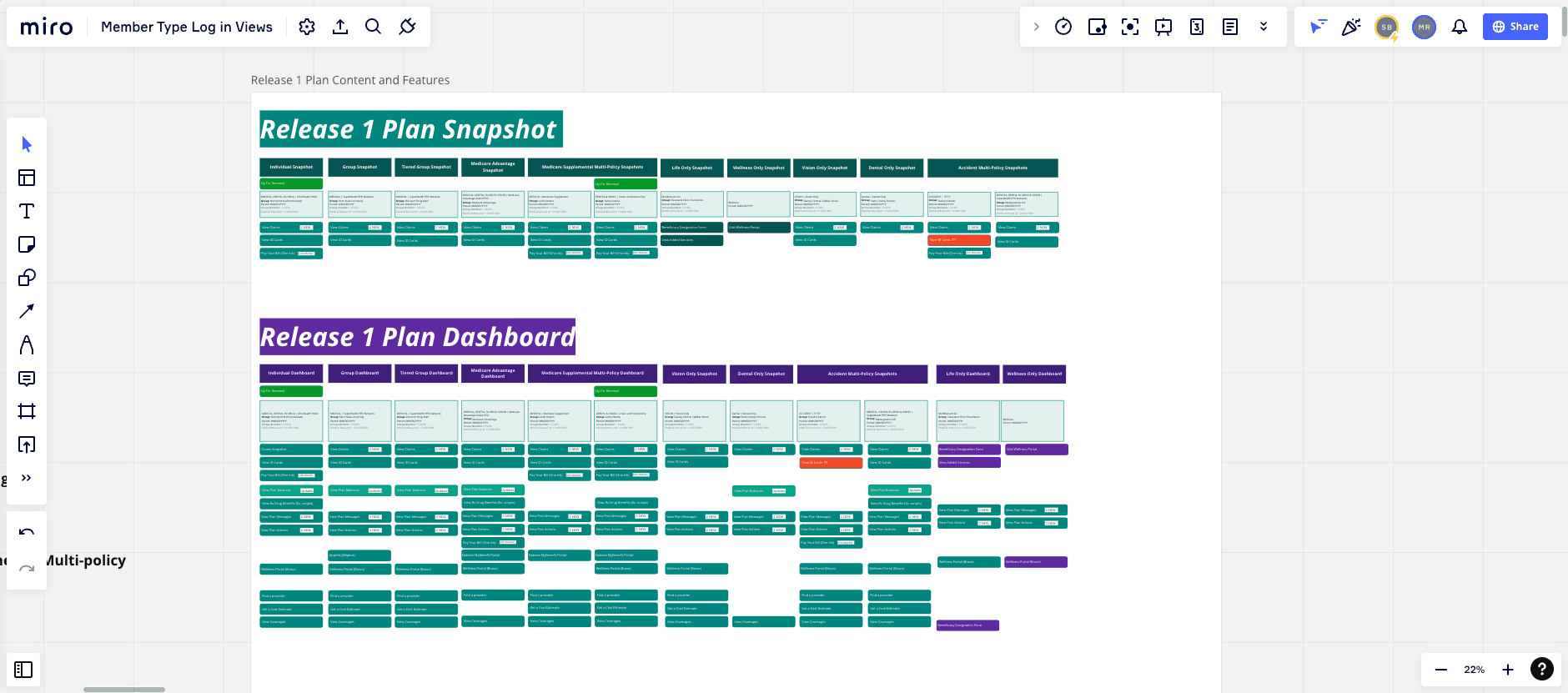
Mapping out the products, features, and capabilities was crucial for understanding the flexibility required in our components to accommodate the diverse range of policies and functions offered by MedMutual. For instance, while some policies may not include ID Cards (like life insurance), or a group medical policy might not allow payments directly from the insured employee. These features are significant and needed to be prominently featured in the user experience. However, designing for such a wide array of products with varying features and capabilities presented a challenge.

By mapping out this information comprehensively, we gained a clear understanding of all the factors that needed to be considered during the design phase. This enabled us to develop a flexible and adaptable design system that could accommodate the different needs and requirements of MedMutual's various products and policies.

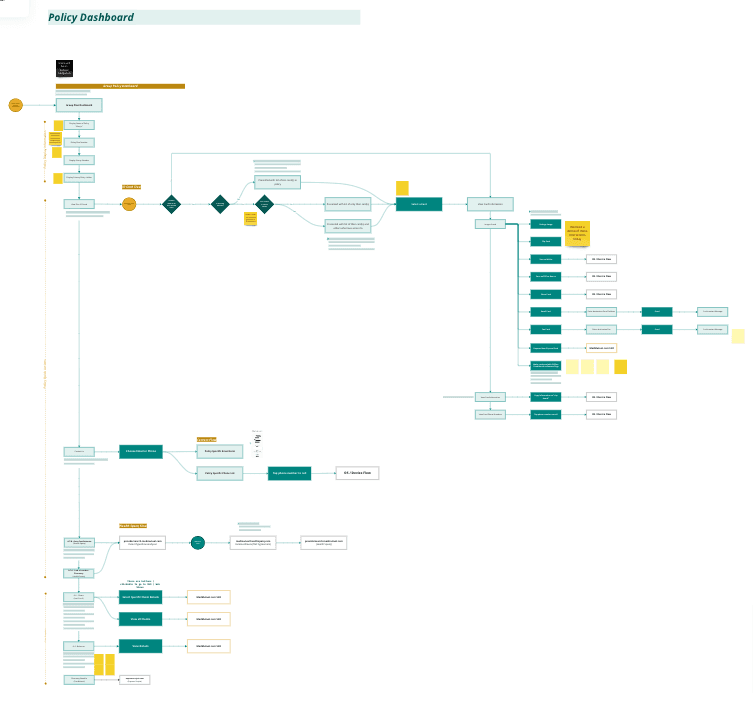
From there, we began to map out various user journeys as they pertained to the features and user stories. At this point, we began designing based on our solutions.
Solution

New Features

We kicked off with a comprehensive UX and UI audit of the existing app, mapping the current experience across every feature slated for the first release. Beyond identifying pain points, the audit helped us understand their technical capabilities, specifically, what data they could already surface and what would require additional work. That distinction was critical for scoping what was realistically achievable.

01

The cards for each policy on the home screen are designed to be extremely flexible, accommodating various types of information and functionality offered by each plan. Call-to-action buttons (CTAs) on these cards, as well as additional functions accessible via the three-dot menu, are adaptable. This allows users to quickly access commonly used features without unnecessary navigation.

01

The cards for each policy on the home screen are designed to be extremely flexible, accommodating various types of information and functionality offered by each plan. Call-to-action buttons (CTAs) on these cards, as well as additional functions accessible via the three-dot menu, are adaptable. This allows users to quickly access commonly used features without unnecessary navigation.

02

Instead of requiring users to zoom in on an image of a physical ID card, key information is prominently displayed at the top of the screen for easy access and wayfinding. Furthermore, all information on the card is organized within an accordion, enabling users to quickly browse and even copy/paste relevant details.

02

Instead of requiring users to zoom in on an image of a physical ID card, key information is prominently displayed at the top of the screen for easy access and wayfinding. Furthermore, all information on the card is organized within an accordion, enabling users to quickly browse and even copy/paste relevant details.

03

Upon accessing the ID Card page, users have a plethora of functionality at their fingertips, allowing them to access and share their card and information in various ways. This streamlined approach enhances user convenience and accessibility.

03

Upon accessing the ID Card page, users have a plethora of functionality at their fingertips, allowing them to access and share their card and information in various ways. This streamlined approach enhances user convenience and accessibility.

04

Upon navigating deeper into a plan from the home screen, users land on the plan’s dashboard, where a wealth of information is readily available and easily accessible. This centralized hub provides users with a comprehensive overview of their plan, facilitating informed decision-making and management.

04

Upon navigating deeper into a plan from the home screen, users land on the plan’s dashboard, where a wealth of information is readily available and easily accessible. This centralized hub provides users with a comprehensive overview of their plan, facilitating informed decision-making and management.

User Testing Improvements

After user testing, we made the following adjustments to the first release.

Onboarding Flow

Users expressed a desire to expedite the onboarding process and get into the app more quickly. Therefore, we streamlined the onboarding flow, deferring optional settings such as Multi-Factor Authentication (MFA), going paperless, or text communication for later stages.

Onboarding Flow

Users expressed a desire to expedite the onboarding process and get into the app more quickly. Therefore, we streamlined the onboarding flow, deferring optional settings such as Multi-Factor Authentication (MFA), going paperless, or text communication for later stages.

Plan Card Navigation

Users found it challenging to understand that the plan card was clickable, leading to confusion when accessing the plan dashboard. To address this issue, we added a prominent "View Dashboard" button and relocated additional functionalities such as viewing claims under a "Quick Actions" button for clearer navigation.

Plan Card Navigation

Users found it challenging to understand that the plan card was clickable, leading to confusion when accessing the plan dashboard. To address this issue, we added a prominent "View Dashboard" button and relocated additional functionalities such as viewing claims under a "Quick Actions" button for clearer navigation.

Plan Card Navigation

Users found it challenging to understand that the plan card was clickable, leading to confusion when accessing the plan dashboard. To address this issue, we added a prominent "View Dashboard" button and relocated additional functionalities such as viewing claims under a "Quick Actions" button for clearer navigation.

Balance Visibility

The "Balances" section was elevated to provide it with more prominence, reflecting its importance to users. Additionally, we adjusted the styling of "Member Tools" to reduce competition with "Claims" and "Balances," as these were identified as the most frequently used features in the app.

Balance Visibility

The "Balances" section was elevated to provide it with more prominence, reflecting its importance to users. Additionally, we adjusted the styling of "Member Tools" to reduce competition with "Claims" and "Balances," as these were identified as the most frequently used features in the app.

Accessing Definitions

Users found it difficult to access definitions under "Balances" using the original information icon. To enhance usability, we moved pertinent definitions to each card, ensuring easier access and understanding for users.

Accessing Definitions

Users found it difficult to access definitions under "Balances" using the original information icon. To enhance usability, we moved pertinent definitions to each card, ensuring easier access and understanding for users.

Reviews